Context
LLM-generated text comes with a quiet trail. Em-dashes where a writer would have used a comma. Curly quotes where an HTML form would have produced straight ones. Zero-width spaces and non-breaking spaces hidden between letters. Soft hyphens. Unicode ellipses where three periods would have done. Tracking URL parameters from the model’s chat surface (?utm_source=chatgpt) glued onto the end of every link.
None of it shows up visually. All of it shows up to anything that looks closely — a recruiter, a teacher, a copy editor, a CMS that strips invisibles, a search engine that hashes the bytes. The fingerprint isn’t the prose; it’s the bytes between the prose.
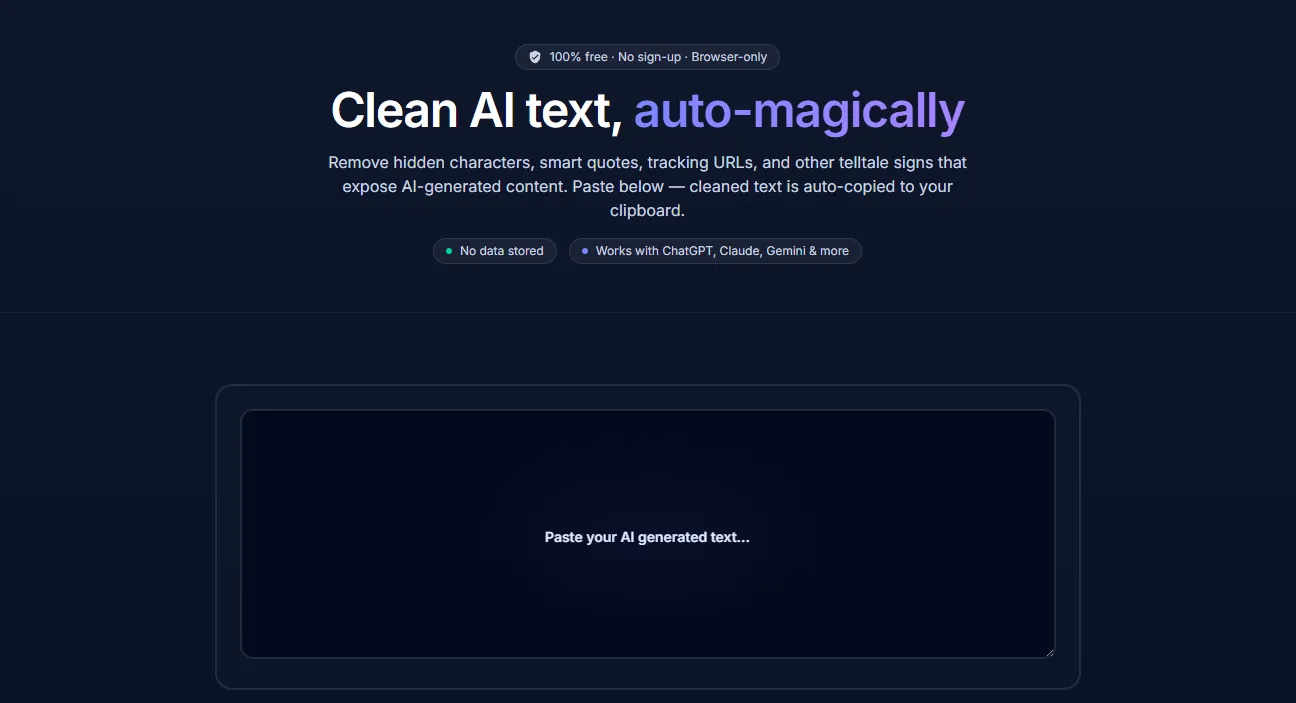
CopyCleanse is the smallest possible fix: a browser-only tool that takes pasted text and returns it without the fingerprints, with the result on your clipboard before you’ve moved your hand.
What it cleans
The rule list is the product. Everything CopyCleanse does in the current release:
- Hidden whitespace — zero-width spaces (U+200B), zero-width joiners and non-joiners, non-breaking spaces, and other invisible separators that survive a copy-paste.
- Smart quotes and curly apostrophes → straight
"and'. - Em-dashes and en-dashes (
—,–) → regular hyphens. The most notorious AI tell, and the one most people are pattern-matching against without realising it. - Unicode ellipses (
…) → three plain periods. - Soft hyphens and other invisible formatting characters that mess with CMS imports and search.
- AI tracking URL parameters —
utm_source=chatgpt,utm_source=claude, and the rest of the family, stripped from any URLs in the pasted text.
The rule list grows as new fingerprints surface in real-world LLM output.
Why browser-only
The privacy claim isn’t a tagline — it’s the entire architecture.
- No server. The whole app is shipped as static assets. There is no API, no upload, no telemetry attached to the text you paste.
- No storage. Nothing is written to disk, nothing is logged, nothing is cached server-side.
- No sign-up. There’s no account because there’s nothing to attach an account to.
That’s the point of a tool like this. The text someone is cleaning is often the text they care about most — a draft, a reply, a piece of writing they don’t want sitting on a third party’s logs. “Trust us” wouldn’t be enough; “the bytes never leave your tab” is.
How it’s built
The tool is deliberately small.
- Framework — SvelteKit 2 on Svelte 5 (runes mode), Tailwind v4 for the look.
@iconify/sveltefor icons. - Build — Vite, deployed on Vercel with
adapter-auto. The output is fundamentally static — Vercel just serves the assets. - No backend. No database, no API routes that touch user content. The cleaning logic is a small TypeScript module that runs in the browser; the diff highlighter is the same.
- Analytics — Vercel Analytics for page-level traffic only. No event-level tracking of what users paste, because there is nothing to track — the text never leaves the tab.
- Quality gates — Vitest with
@testing-library/sveltefor unit and component, Playwright +@axe-core/playwrightfor end-to-end and accessibility, Lighthouse CI for performance. The accessibility and performance bars are part of the pipeline, not a launch-day check. - Content — a small blog (mdsvex) for posts about the AI-fingerprint problem and what the cleaner is doing under the hood.
Use it
copycleanse.com — paste, copy, done. If you want to suggest a fingerprint the tool isn’t catching yet, the rule list is open to additions.